

10/05/2026
If your Meta ads only rely on the browser Pixel, some purchases and leads never reach Meta. Browsers block third-party scripts, people decline cookies, and sessions break. The Conversions API (CAPI) sends the same events from your server, so Meta sees more of what actually happened and can optimize toward real buyers.
Pixel and CAPI work together
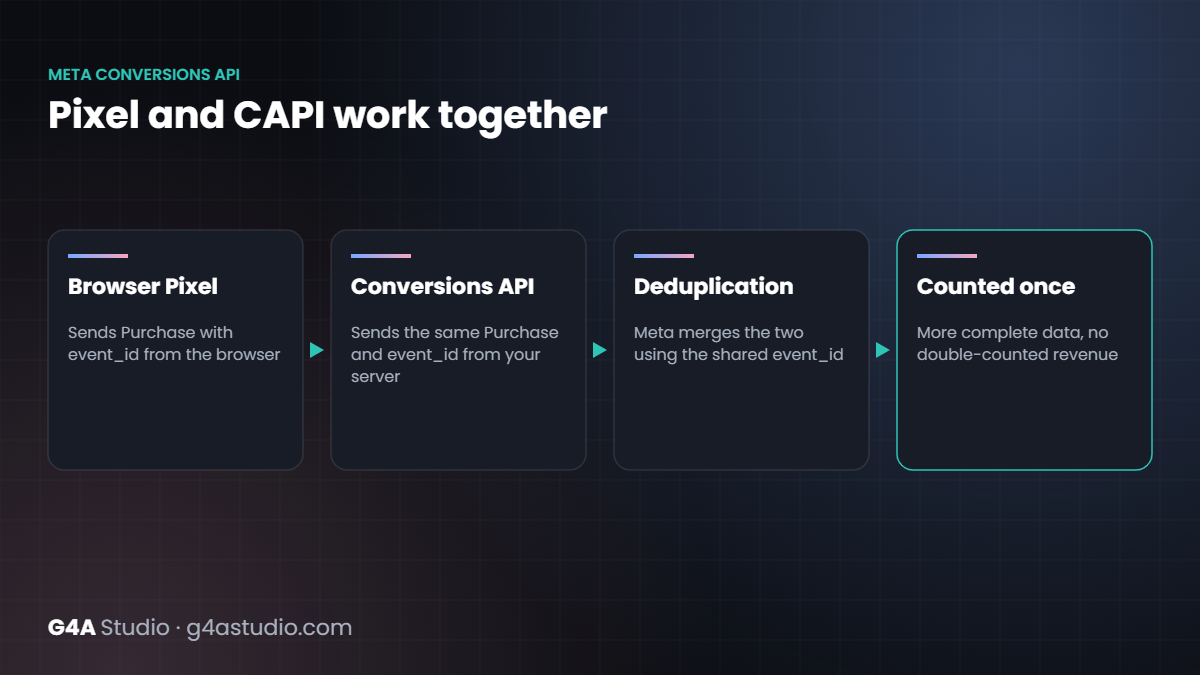
CAPI does not replace the Pixel. The recommended setup sends each event from both: the Pixel from the browser, CAPI from the server. Meta then merges the two using an event ID, so each purchase is counted once.
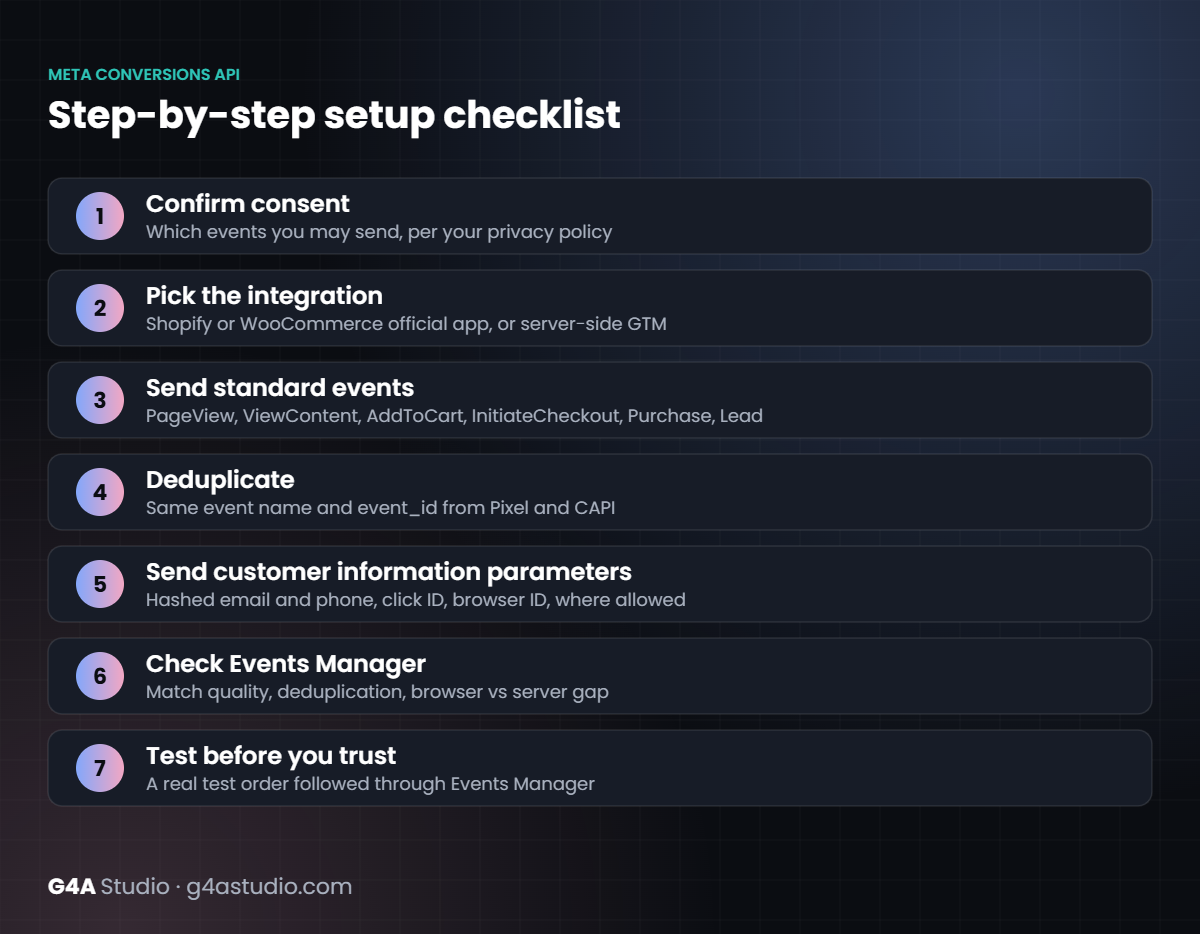
Step-by-step setup checklist
- Confirm consent. Decide which events you may send for visitors who have not consented, based on your privacy policy and the laws that apply to your customers.
- Pick the integration. Shopify and WooCommerce both have official Meta integrations that include CAPI. A server-side Google Tag Manager container is the more flexible option when you run several platforms.
- Send standard events. PageView, ViewContent, AddToCart, InitiateCheckout and Purchase for stores; Lead for lead generation.
- Deduplicate. Send the same event name and the same
event_idfrom the Pixel and from CAPI. - Send customer information parameters. Hashed email and phone, plus click ID and browser ID where available, improve matching. Only send what your consent and privacy policy allow.
- Check Events Manager. Look at event match quality, deduplication status and the gap between browser and server events.
- Test before you trust. Place a real test order and follow it through Events Manager.
Common mistakes
- Sending Purchase from both sources without a shared event ID, which double-counts revenue.
- Sending purchase value without currency, or in the wrong currency.
- Sending health or other sensitive data in event parameters.
- Forgetting to update the setup after a theme or checkout change.
Why it matters for creative testing
Meta’s delivery system learns from the conversions it sees. Cleaner, more complete conversion data makes creative tests faster to read and budget decisions easier to trust.
Pixel plus Conversions API is part of onboarding on every e-commerce growth plan and our Meta Ads management. Want to know how your setup looks today? Request a free Growth Snapshot.